Content & scheduling
Build playlists, schedule campaigns and assign the right content to individual screens, groups or locations.
- Video, images and web content
- PowerPoint and document workflows
- Timed playlists and screen groups
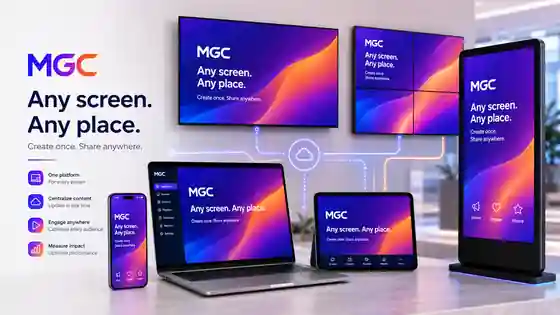
Create once and bring your content to life on the screens people already use — your phone, laptop, TV, commercial display, kiosk or video wall.
MGC is not only for technical teams or special signage displays. Start with the device in front of you, then grow into TVs, kiosks, commercial screens and entire display networks.

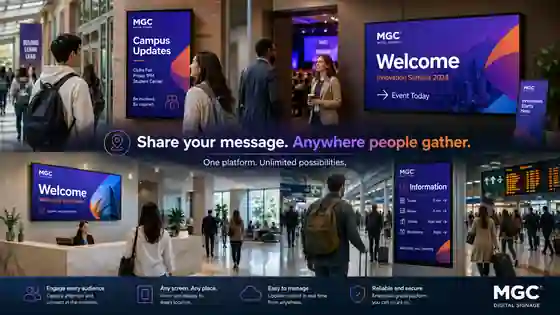
A menu at breakfast. A new collection in a store. A welcome message in reception. A safety KPI on the shopfloor. MGC gives every space a useful digital voice.


Whether you manage one TV in a café or screens across many locations, the experience stays simple: add your content, choose where it goes, schedule it and publish.
Add what you want to showImages, videos, web pages, PowerPoint, dashboards and business content.
Pick a screen or a groupOne device, one location or many screens at once.
Choose when it appearsPlay now, build a playlist or schedule it for the right time.
Change it from anywhereKeep your screens fresh without walking to every display.
Behind the simple experience is a complete platform for content, schedules, dashboards, devices, roles and screen operations.
Build playlists, schedule campaigns and assign the right content to individual screens, groups or locations.
Turn operational and analytical dashboards into reliable screen content, including Microsoft Power BI.
See screen health and connectivity from one place, then act remotely when attention is needed.
Use a dedicated MGC Player or supported hardware that fits the performance, location and budget of your rollout.
Choose the architecture that fits your network, security requirements and operating model.
Separate administration, publishing and screen operations so each person gets the access they need.
You do not need to be a signage expert. Start with a screen, add your message and send it live.
Start with a phone, laptop, TV, commercial display or an MGC Player connected to a screen.
Use media, webpages, dashboards, presentations and the information that matters to your audience.
Publish now or schedule it, then keep the screen updated remotely whenever your message changes.
MGC can present Power BI dashboards on managed screens alongside scheduled media, helping operational information move beyond individual laptops.
Use a provisioned MGC Player for a simple plug-and-manage setup, or choose supported hardware that fits your environment.
Find the right option →Start simply and choose the architecture that makes sense for your organization as your screen network grows.
Easy centralized management for screens across different locations.
Keep the MGC management platform inside your own infrastructure when local control matters.
Mix approaches across locations, devices and network environments.
Sometimes it is a promotion. Sometimes it is today's menu, a welcome message, a live KPI or an important update. MGC gives you one simple way to put the right thing on the right screen.
Create, choose a screen and publish.
From cafés and stores to factories and offices.
Phones, laptops, TVs, commercial screens and players.
One screen today, a managed network tomorrow.
Choose Core for the MGC platform or Managed when you want a stronger support model around your screen estate.
For people and teams who want the MGC platform and manage their own screens.
For organizations that want MGC plus a stronger managed support model.
For larger estates, on-premise requirements, integrations or a tailored support model.
All displayed prices are in EGP. Subscription prices are per device and exclude player hardware, displays, Microsoft/Power BI licensing, network changes, on-site visits and major custom integrations. Final scope is confirmed in the commercial proposal.
Need hardware too? →Tell us what you want to show and where you want to show it — one TV, a shop, an office, a factory or a whole screen network.